Audiences
This section covers how to configure, manage, and use audiences to classify visitors.
A visitor is not a member of an audience. Instead, information about the visitor and the visitor's actions contribute to a score. For example, if the visitor has triggered a certain signal, that might add 10 to the a specific audience score. Personalization might be applied as long as the visitor's score for this audience does not exceed 25.
tip
For background information about what audiences are and examples of how they are used, see the classification capabilities section.
Add audience
In Uniform, open your project.
Navigate to Personalization > Audiences.
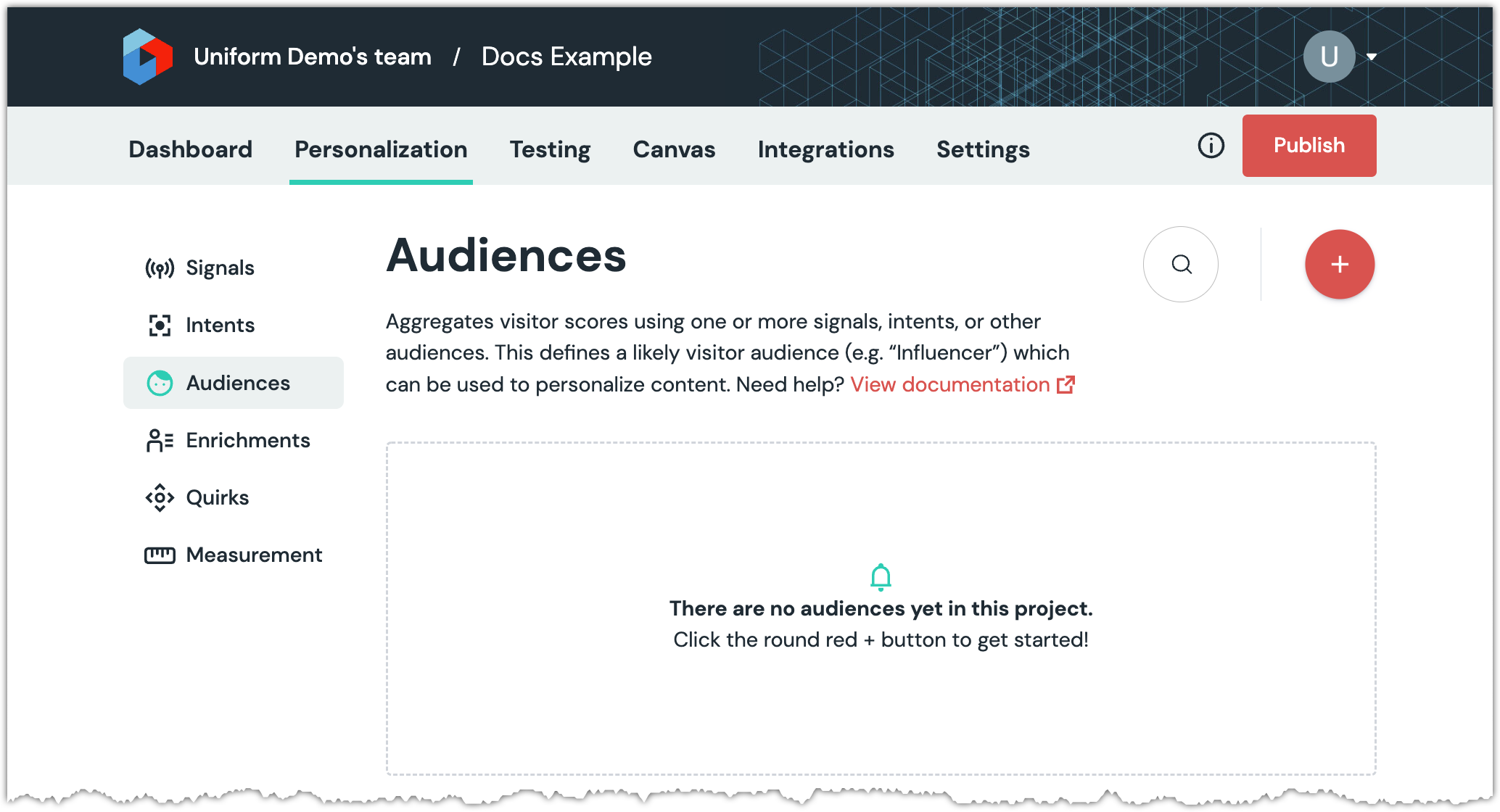
Click the red (+) button.
Enter the following values:
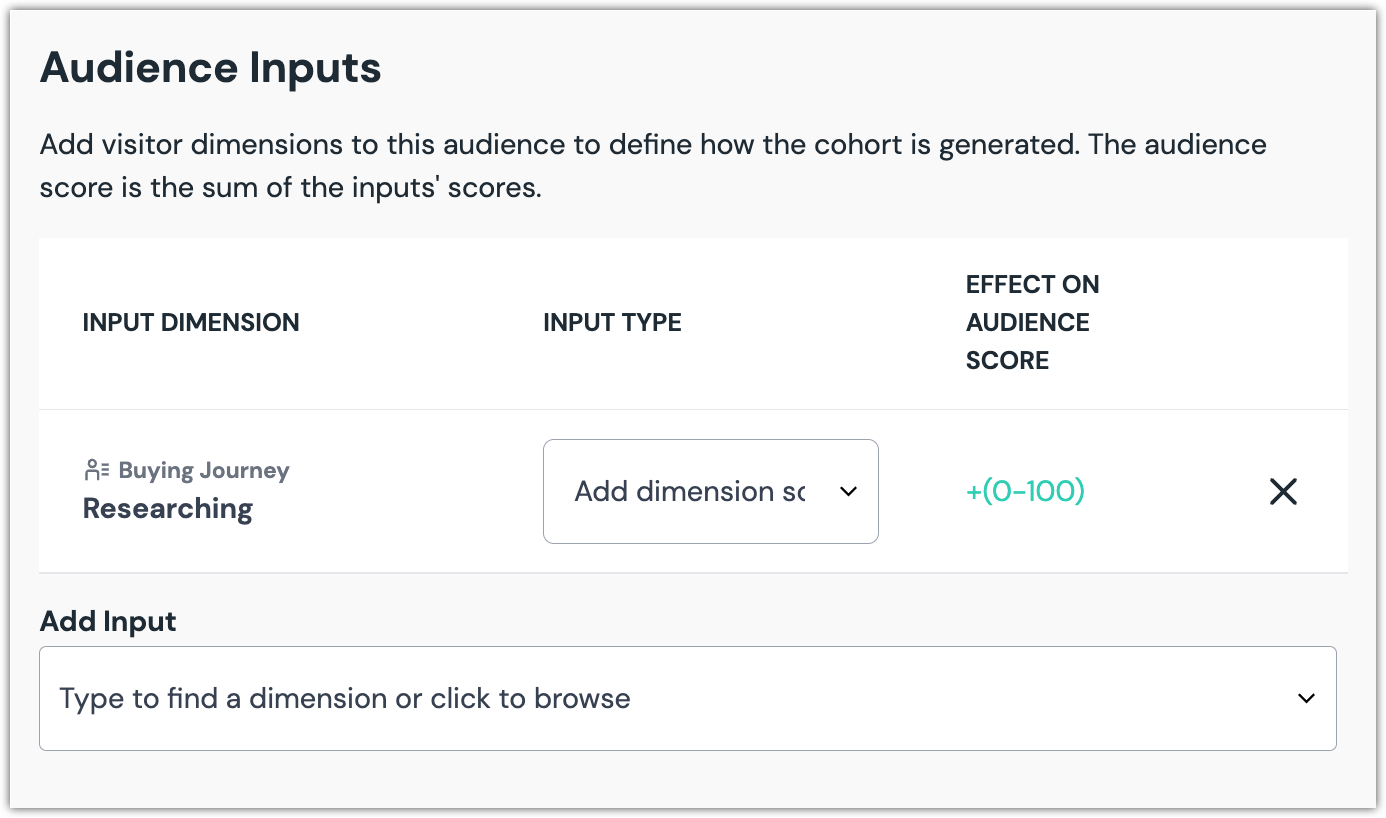
Field Description Name Name that describes the audience. Public ID Value that uniquely identifies the audience. Description A more detailed description of the audience. In the section Audience Inputs, select a dimension you want to use to determine the audience score.
About this step
You can select from enrichments, intents, signals, and other audiences.
Select a value for Input Type.
Option Description Add dimension score to audience score If the audience score is 10 and the dimension score is 7, the audience score will become 17. Subtract dimension score from audience score If the audience score is 10 and the dimension score is 7, the audience score will become 3. Clear audience if any dimension score - If the audience score is 10 and the dimension score is 7, the audience score will become 0.
- If the audience score is 10 and the dimension score is 0, the audience score remains 10.
Click Save and close.
Delete audience
In Uniform, open your project.
Navigate to Personalization > Audiences.
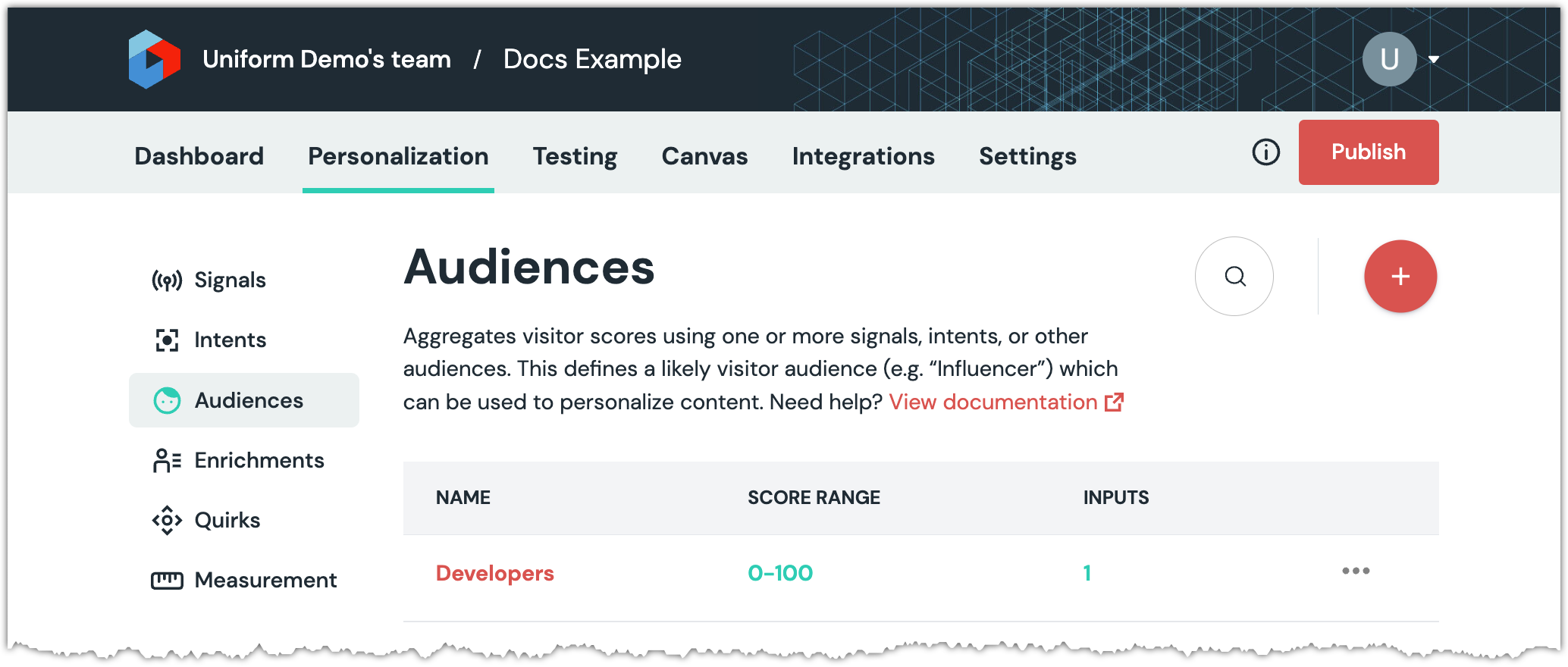
Find the row that represents the audience you want to delete.
Click ... > Delete.
About this step
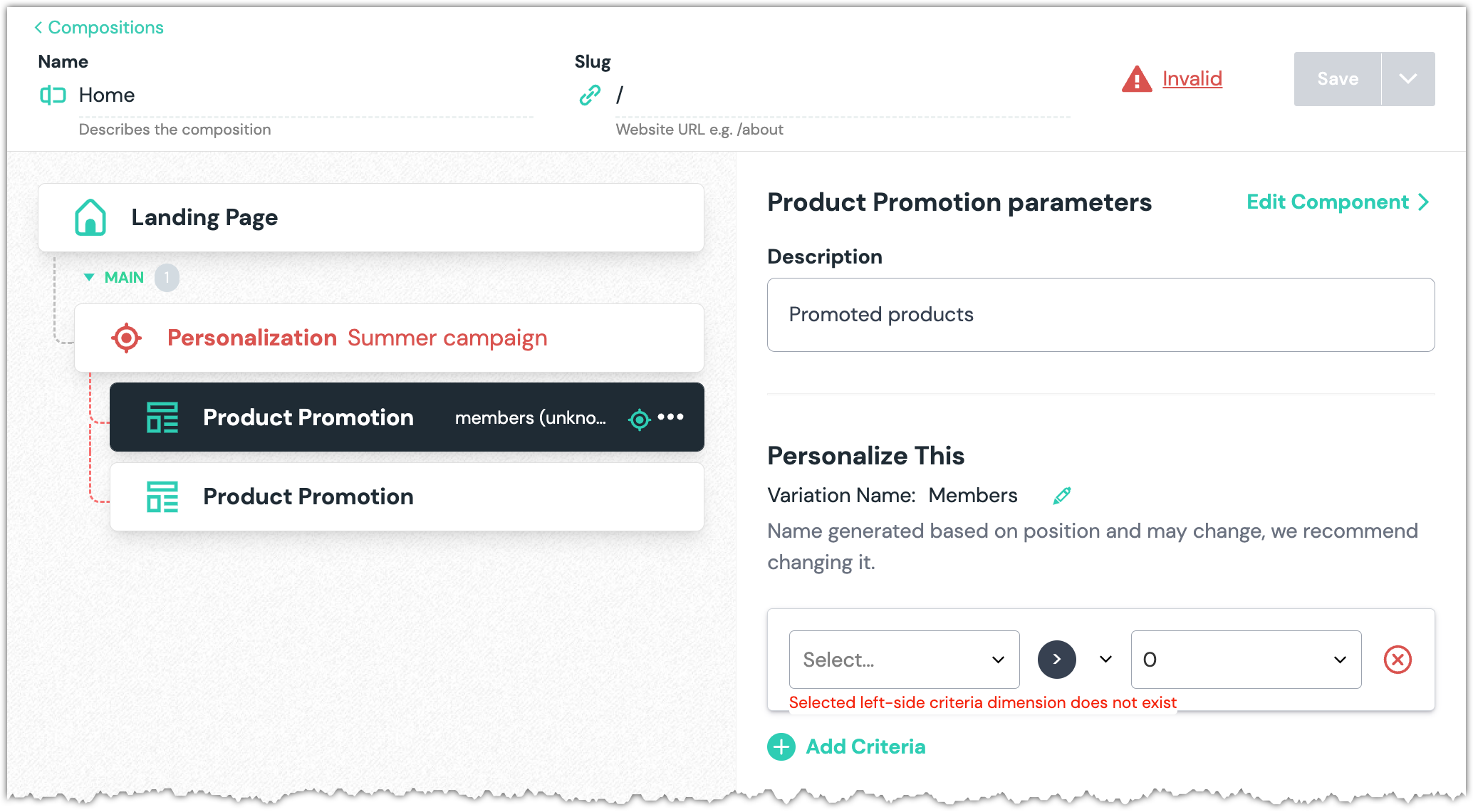
If the audience was used to personalize any composition, when you open the composition you will see an "invalid" message. When you select the component with the personalization you will see an error message about "criteria dimension does not exist".
You must either select another dimension or delete the personalization criteria before you are able to save any changes to the composition.