Projects
A project is the basic unit of organization in Uniform.
Create project
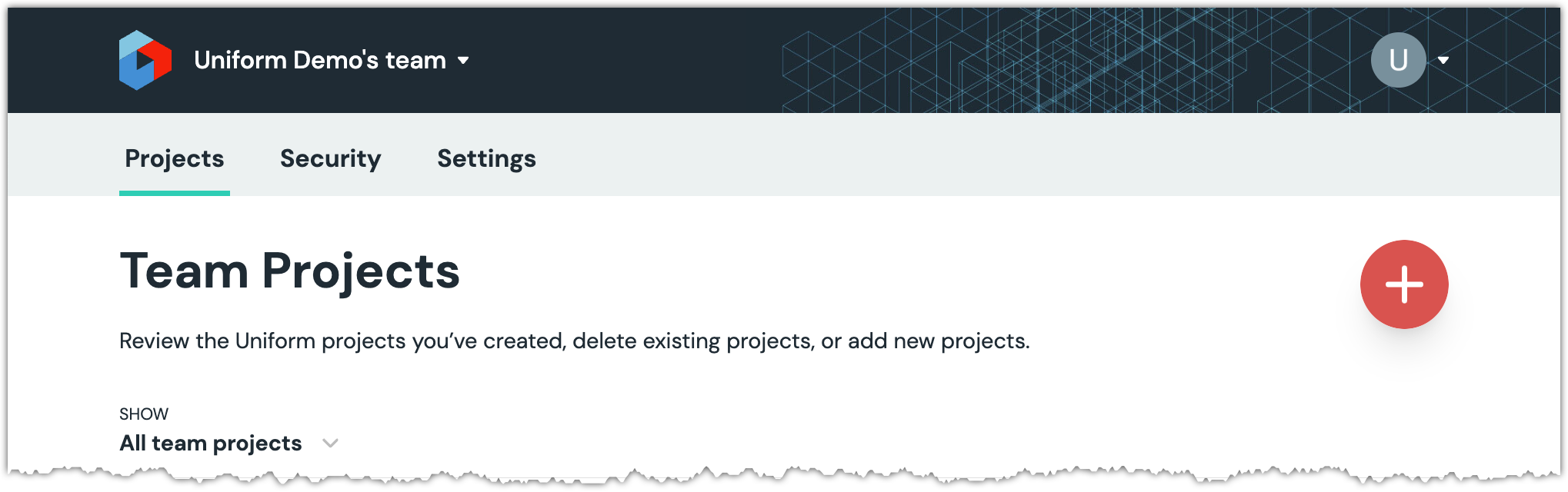
In Uniform, go to the team you want to add the project to.
About this step
You can get to the teams page by clicking the Uniform logo in the upper right-hand corner of the Uniform Dashboard.
Click the red (+) button.
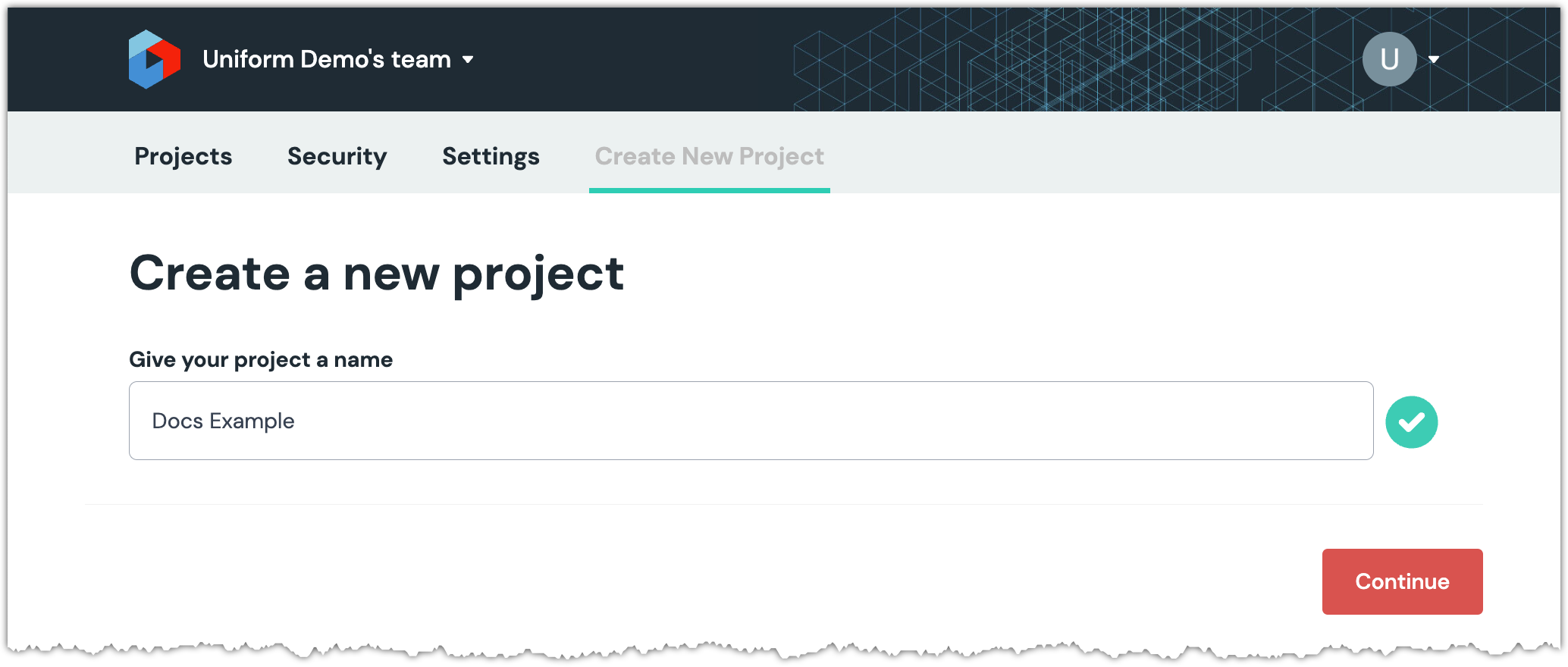
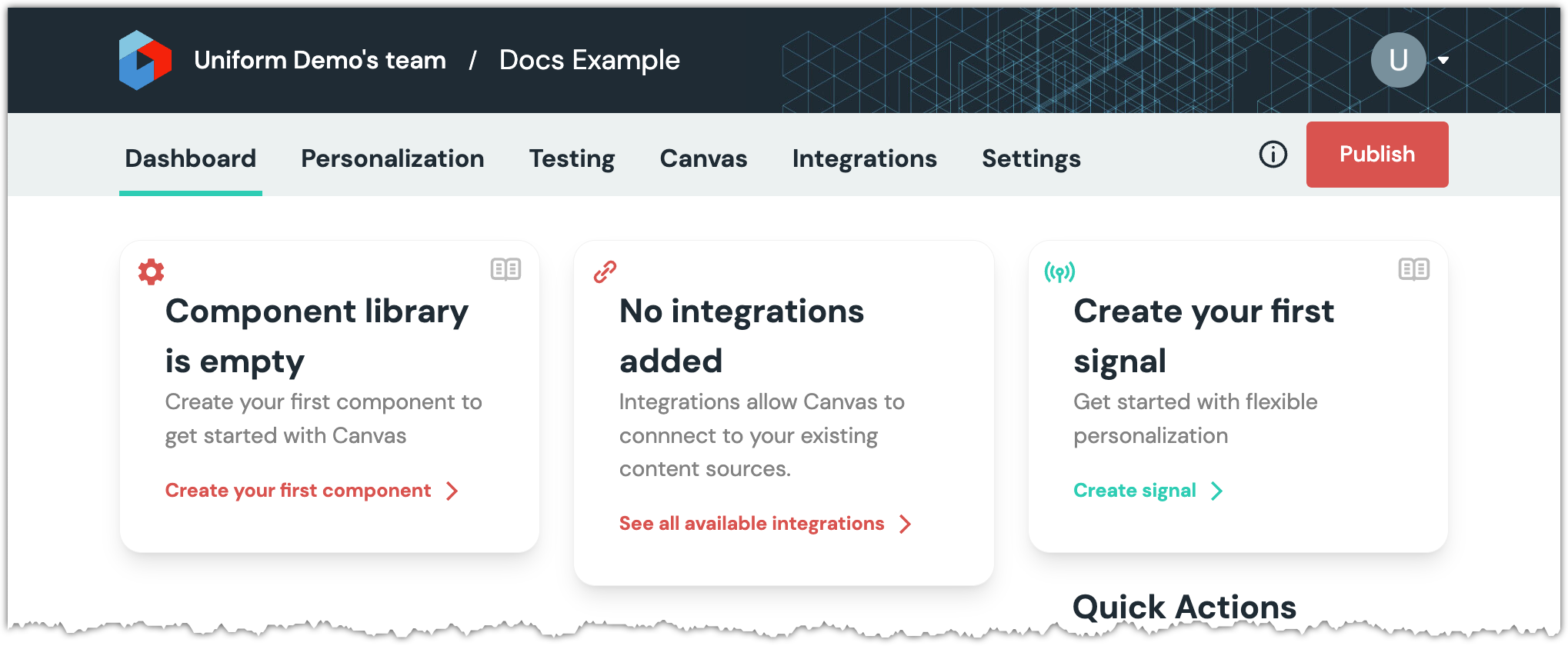
Enter a project name and click Continue.
Get project ID
The project ID is needed when you are using the Uniform CLI to interact with Uniform. To determine the project ID:
- In Uniform, open your project.
- Navigate to the Settings tab.
- In the left menu, click General.
- The project ID is displayed above the Save button.